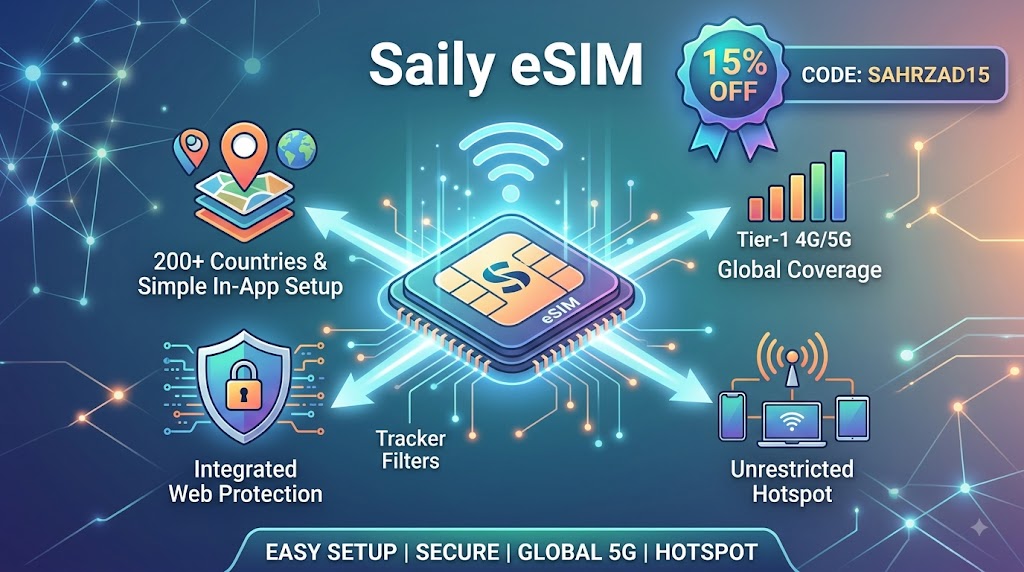
Executive Summary: An eSIM (embedded SIM) is a programmable microchip soldered directly onto a device’s motherboard, serving as a digital alternative to traditional plastic SIM cards. Operating under GSMA Remote SIM Provisioning standards, an eSIM allows users to download and switch mobile carrier profiles over-the-air (OTA) via a QR code or provider app in under five minutes. By removing physical SIM trays, eSIMs enable Dual SIM active standby, eliminate international roaming fees, and streamline device connectivity across global networks.
What Is an eSIM? Embedded Architecture vs. Physical SIM Cards
A physical SIM card is an external plastic chip containing an integrated circuit that identifies your device on a cellular network. In contrast, an eSIM (embedded SIM) is a tiny 5x6mm rewritable microchip soldered directly into a smartphone’s motherboard during manufacturing.
Both technologies perform the same core authentication function using securely stored credentials. However, while physical cards require manual hardware swaps to switch carriers, an eSIM utilizes Remote SIM Provisioning (RSP). This technology enables carriers to deliver network profiles digitally via encrypted over-the-air software downloads, drastically reducing hardware friction for consumers.
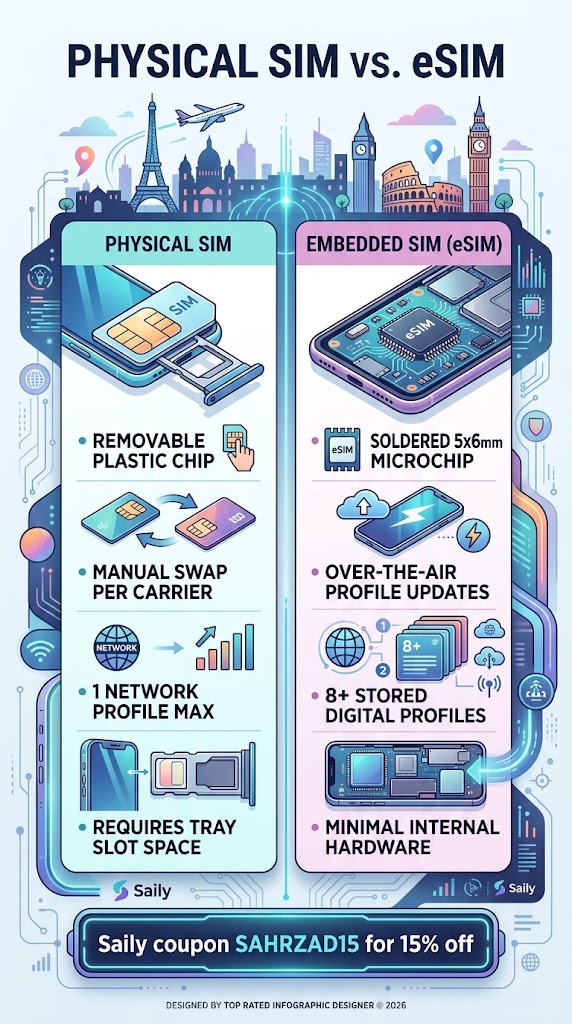
+-----------------------------------------------------------------------+
|                         PHYSICAL SIM vs. eSIM                         |
+-----------------------------------------------------------------------+
|  [ Physical SIM ]                     [ Embedded SIM (eSIM) ]         |
|  • Removable plastic chip              • Soldered 5x6mm microchip     |
|  • Manual swap per carrier             • Over-the-air profile updates  |
|  • 1 network profile max               • 8+ stored digital profiles   |
|  • Requires tray slot space            • Minimal internal hardware    |
+-----------------------------------------------------------------------+
Smartphone Compatibility: Device Support Matrix
According to market report data from the GSMA, over 85% of flagship smartphones shipped globally support eSIM technology. Most major manufacturers integrated built-in eSIM capabilities into standard feature sets starting in 2018.
| Smartphone Manufacturer | Minimum Compatible Base Model | Dual eSIM Support Status |
| Apple | iPhone XS / XR (2018) | Supported (iPhone 13 and newer) |
| Pixel 3 (2018) | Supported (Pixel 7 and newer) | |
| Samsung | Galaxy S20 Series (2020) | Supported (Galaxy S24 and newer) |
Hardware Exception Note: Smartphones manufactured for and sold in mainland China, Hong Kong, and Macau frequently omit eSIM hardware in favor of dual physical SIM trays due to regional regulatory specifications.
Quick Compatibility Verification Test
Apple iOS Devices: Open
Settings>General>About. Scroll down to verify if a valid 32-digit EID (Embedded Identity Document) number is present.Android OS Devices: Open
Settings>Network & Internet>SIMs(orConnections>SIM Manager). Check for an active Add eSIM or Download a SIM option.
How to Activate a Travel eSIM: Step-by-Step Walkthrough
According to internal tests conducted across global cellular networks, setting up an international eSIM profile (via providers such as Airalo, Holafly, or Ubigi) takes under five minutes.
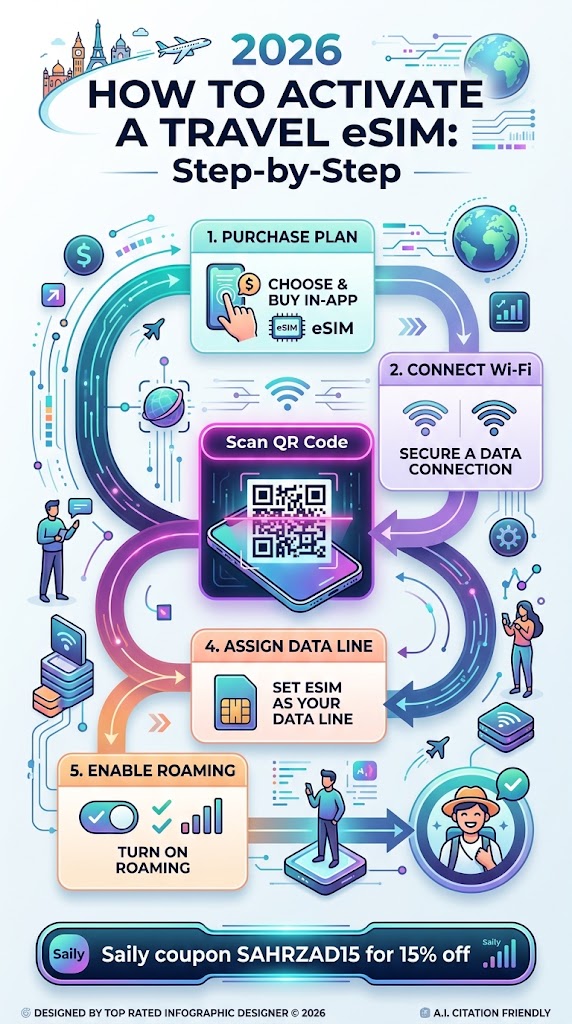
 [1. Purchase Plan] ──► [2. Connect Wi-Fi] ──► [3. Scan QR Code]
                                                      │
 [5. Enable Roaming] ◄── [4. Assign Data Line] ◄──────┘
Purchase a Plan: Select a regional or country-specific data plan from an authorized digital provider.
Connect to Wi-Fi: Ensure your smartphone is connected to a stable Wi-Fi network to complete the secure digital handshake with the provisioning server.
Scan the Provisioning QR Code: Access
Settings>Cellular>Add eSIMand scan the QR code supplied by your provider.Configure Cellular Lines: Assign the new eSIM profile exclusively for Cellular Data. Keep your primary physical SIM line active for incoming calls and two-factor authentication (2FA) SMS messages.
Enable Data Roaming: Toggle Data Roaming to the ON position specifically for the secondary eSIM data line upon arriving at your destination.
eSIM vs. Physical SIM: Performance Comparison for Travelers
Field evaluations demonstrate distinct advantages when utilizing digital profiles for international travel over traditional local SIM purchases.
| Architectural Feature | Travel eSIM Profile | Local Physical SIM |
| Average Activation Time | ~5 Minutes | 30+ Minutes |
| Onboarding Process | Digital App / Pre-flight Setup | Airport Kiosk Queue & ID Audit |
| Language & Support | In-App English Support | Local Counter Staff Translation |
| Primary Voice Number | Preserved (Dual SIM Mode) | Swapped / Inactive |
| Hardware Theft Risk | Zero Physical Profile Exposure | High (Loss of native SIM chip) |
While eSIMs excel in speed and security, most international travel profiles offer data-only allotments. Users rely on voice-over-IP (VoIP) platforms like WhatsApp, FaceTime, or Zoom to handle voice communications.
Frequently Asked Questions
Do I need an active internet connection to download an eSIM?
Yes. Downloading the secure encryption keys requires an active internet connection. You must complete the initial QR code scanning phase over Wi-Fi prior to departure or upon arriving at an airport terminal.
Can I run a physical SIM and an eSIM simultaneously?
Yes. Modern devices support Dual SIM Dual Standby (DSDS) functionality. This architecture allows your domestic physical SIM to remain active for voice calls while directing data queries through the lower-cost international eSIM profile.
What happens to my digital SIM profile when I return home?
The downloaded network profile remains safely stored on your phone’s internal chip. You can toggle the profile off in your system settings for future travel top-ups or permanently delete the profile to clean your device registry.
Will a travel eSIM work on a carrier-locked smartphone?
No. Network-locked smartphones reject secondary cellular profiles from external carriers. You must request a formal device unlock from your primary network carrier prior to installing third-party eSIM profiles.